 Try Sortd for FREETry Sortd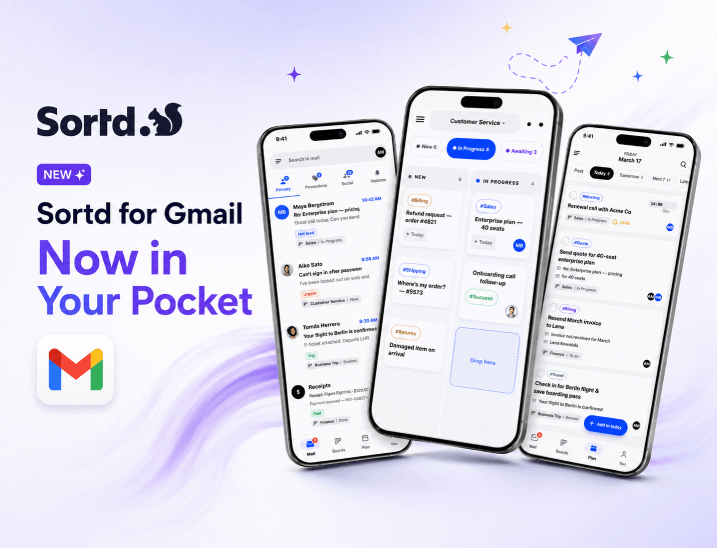
The all-new Sortd mobile app is here. Run shared inboxes, Kanban boards, tasks, and email side by side from your phone, with built-in AI signals, and built to work on its own or alongside Gmail.
Email runs on your phone now. Customer questions, sales leads, approvals, and 'can you just check this?' requests don't wait for you to get back to your desk — and neither should the tools you use to handle them. That's why we rebuilt the Sortd mobile app from the ground up.
The new Sortd for Gmail app turns your phone into a full team workspace. Shared inboxes, Kanban boards, tasks, and email finally live side by side — on the same screen, in your pocket, powered by Sortd. Whether you run Sortd on its own or right alongside Gmail, you can now manage real customer work on the go, not just read it.
Most email apps give you a list of messages. That's it. Sortd gives you a workspace.
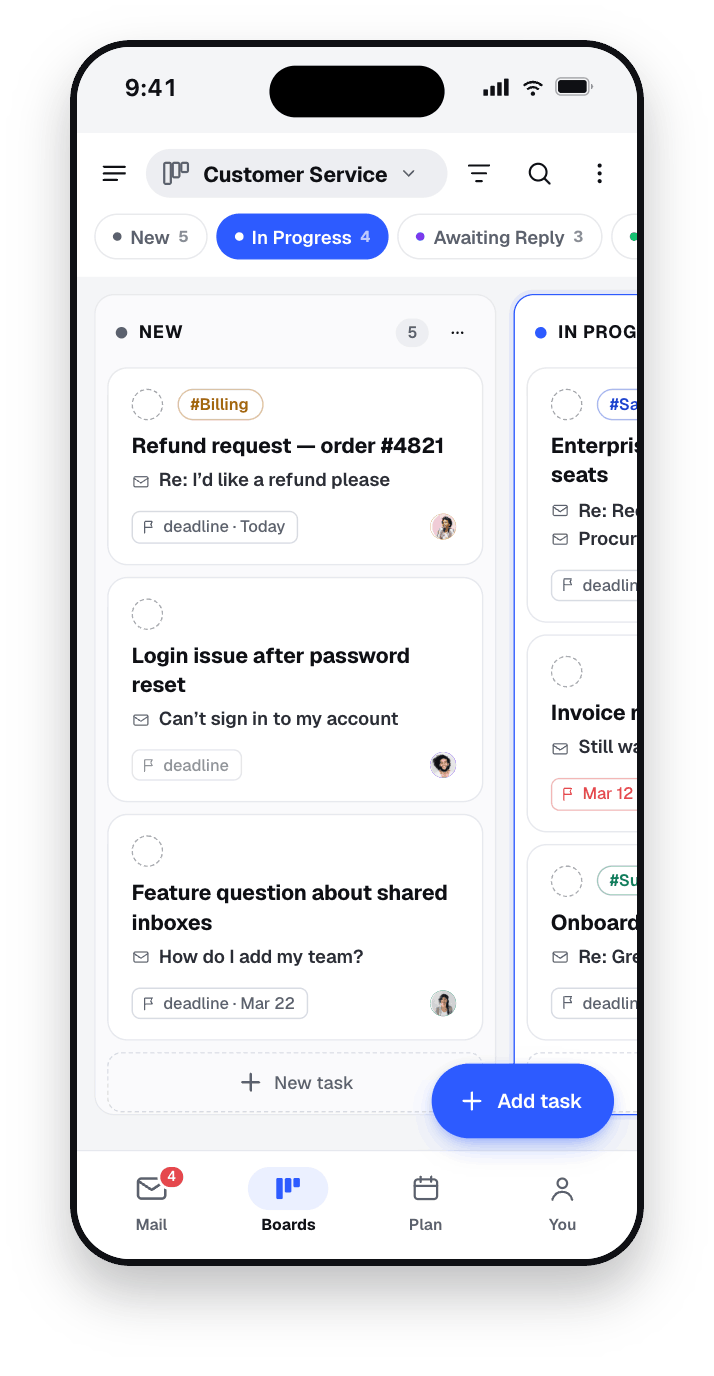
In the new app, every email can become a task — linked, tracked, and impossible to forget. Drag a message onto a board, set a deadline, add a reminder, assign an owner, and watch it move from New → In Progress → Resolved, exactly the way your team actually works. Your to-do list and your inbox finally speak the same language, so nothing slips between 'I read it' and 'I dealt with it.'
This is the single biggest thing a standard mobile email client can't do: it shows you mail, but it has no idea what the mail means for your team or what needs to happen next. Sortd does.
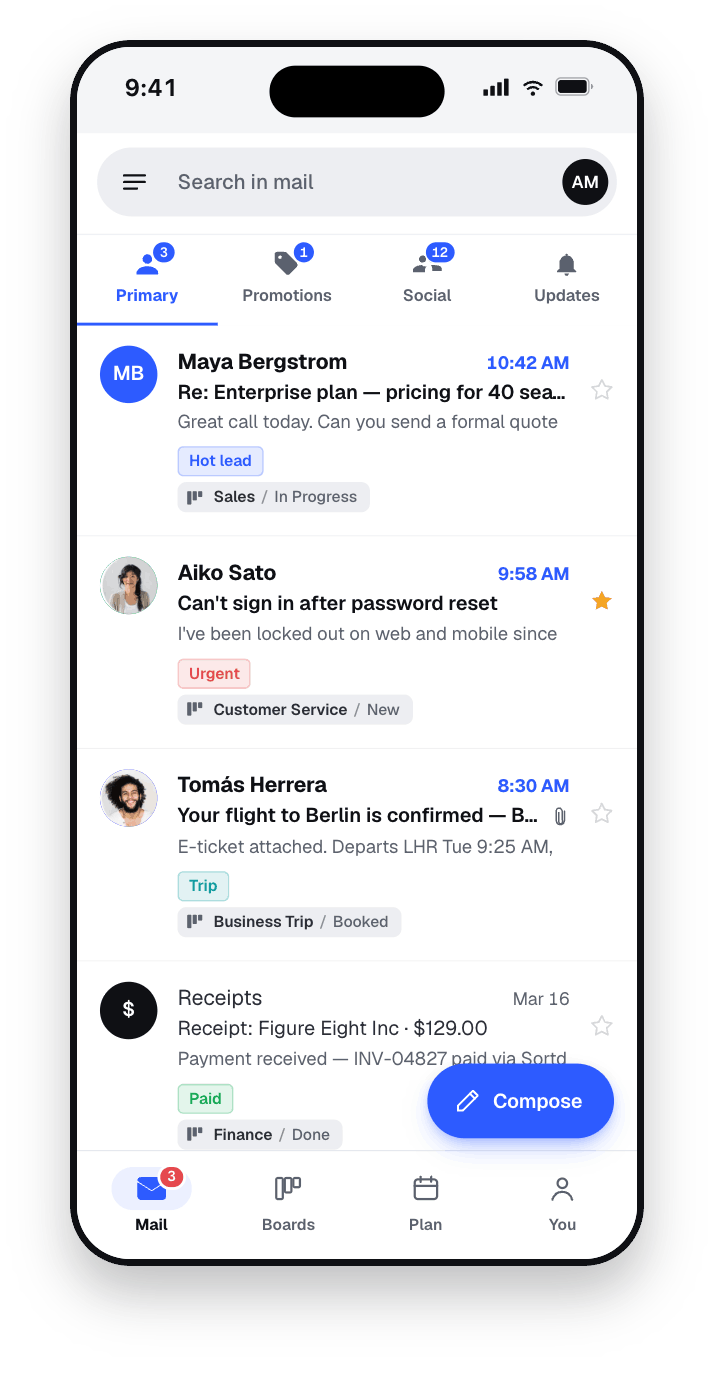
Shared mailboxes are where teams quietly lose customers. Two people reply to the same email. A request sits for three days because everyone assumed someone else had it. A great lead goes cold over a weekend.
Sortd fixes this on mobile. Run sales@, support@, finance@ — or any team address — as a shared inbox where you can see who's replying, assign a clear owner, and avoid double-answers. Everyone knows exactly who's responding to the customer, even when half the team is out of the office or on the road.

This matters more than it sounds. Many Gmail companion apps simply can't show shared team emails on a phone at all — so the moment you leave your laptop, your team's visibility disappears. Sortd was built so your shared boards travel with you.
Sortd pioneered the idea of turning Gmail into a visual, Trello-style workflow. The new app brings that same Kanban experience to mobile, properly — not as a stripped-down afterthought.
Email is normally ordered by date, which assumes the newest message is the most important. It usually isn't. With Sortd you reorder, group, and prioritise emails as cards on a board, so the work that matters rises to the top. Switch between Board view, Date view, and Table view depending on how you want to think about your day — all from your phone.
These new signals are built for exactly the moments mobile is made for: a quick check between meetings, where you need to know what's important in five seconds.
Sortd reads every conversation and adds lightweight, human-in-the-loop signals your team can act on instantly — no manual tagging, no extra tools:
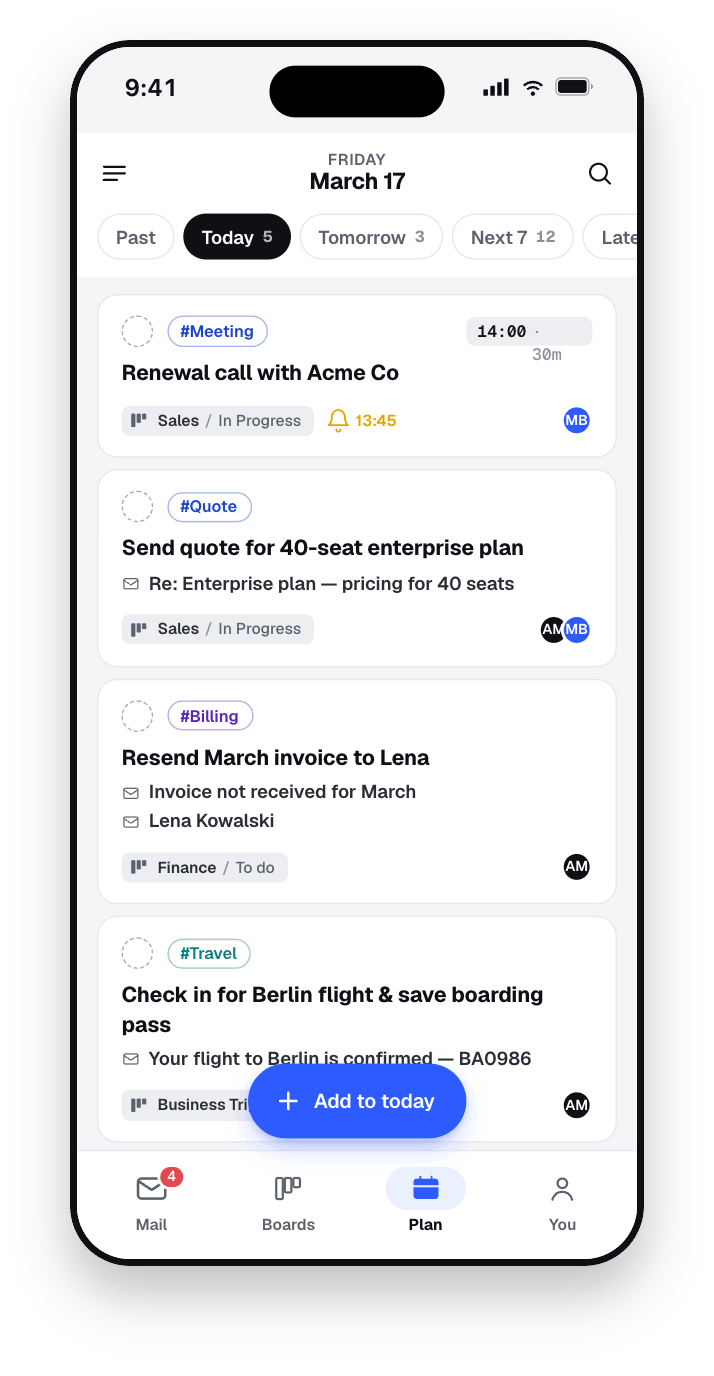
It's not a dashboard — it's an action board. Urgency flags surface what matters most, not what's loudest. Sentiment flags catch a frustrated customer early, so you can step in before a 'just checking in…' turns into a real problem. And because Sortd keeps a simple, automatically updated status on every thread, anyone on the team can tell what's happening without reading the whole chain.
As one CEO using Sortd put it:
Sortd AI has given me the clarity to see where we are with each of our clients — without nagging the team for updates. It's been instrumental in catching customer concerns before they escalate.
These signals — which we call Sortd AI — are designed to support your team, not replace it. They surface what needs attention and highlight tone and urgency, but your people stay in control of every reply. They work alongside Gmail's own Gemini AI, which drafts and polishes your replies — while Sortd helps your whole team see what needs one.
You don't need to architect a system to get value on day one. Start from a ready-made template — Sales, Customer Support, Hiring, Projects, Billing, Orders and more — invite your team, and you're working. Sortd moulds to your process instead of forcing your team to learn someone else's.
Here's what makes Sortd different from email apps that ask you to migrate your whole life into a new inbox: there's nothing to migrate, and nothing to abandon.
Sortd lives on top of the Gmail you already use. You can work entirely inside the Sortd app, or keep using the Gmail app and let Sortd organise the work behind it — your call. No new email address. No exporting contacts. No retraining the team on a foreign interface. You keep Gmail, Google Calendar, Docs and the rest of Google Workspace, and you gain an entire layer of team workflow, shared inboxes, and AI on top.
That's the whole idea behind Sortd: the world's first all-in-one workspace built entirely on email. A CRM, a helpdesk, and a project tool each solve one slice of the problem and leave your team copying information between apps. Sortd keeps the work where the work already happens — in the inbox — for sales, customer service, operations, hiring, finance, and everything in between.
Sortd is a mobile workspace for Gmail teams. It turns your inbox into a visual workflow where email, tasks, shared inboxes, and your team all live in one place — so you can manage customer work from your phone, not just read messages.
No. Sortd works alongside Gmail and Google Workspace. There's no new inbox to migrate to and no new email address. You can use the Sortd app on its own or keep the Gmail app open beside it.
Yes. You can run team addresses like sales@, support@ and finance@ as shared inboxes, assign owners, and see who's replying — all from the mobile app, so visibility doesn't vanish the moment you leave your desk.
Sortd AI reads each conversation and adds signals like Needs Response, Follow-Up Due, Awaiting Reply, Urgency Alerts, Sentiment Flags, and Clear Ownership. It helps your team instantly see what's urgent and which customers need attention, while keeping people in control of every reply.
Your inbox, your tasks, and your team — finally in one place, in your pocket. Download the new Sortd for Gmail app and see what email was always meant to do.
iPhone & iPad: Download Sortd on the App Store
Android: Get Sortd on Google Play
Join the 400,000+ professionals already turning email chaos into team productivity with Sortd.



